Voice-Based Ticketing
Capture issues with browser speech — Nebula Desk suggests title, category, priority, and a polished description before submit.
Listening…
“My VPN keeps disconnecting on the Mumbai office network…”
Title ✓Category ✓High
Bring ticketing, intelligent routing, SLA management and team collaboration into one connected IT service desk.
Ticket queue
3 activeSF-1048
Infrastructure · In Progress
Activity
Live workspace preview — queue, routing, and SLA indicators
Organizations using Nebula Desk to bring their support operations together.
One connected platform for requests, people, workflows and resolution.
Capture issues with browser speech — Nebula Desk suggests title, category, priority, and a polished description before submit.
Listening…
“My VPN keeps disconnecting on the Mumbai office network…”
Ticket-flow rules assign new work to the right queue or engineer on create, using your policies and eligibility.
Assign engineer
Organization SLA targets with visible deadlines, progress tracking, and escalation when timelines are at risk.
Employees and support staff see assignments, status changes, and messages in real time — without email overload.
Notifications
In-app · real-time
Assigned to you
2m agoSF-1048 · VPN handshake timeout
Status updated
18m agoSF-1042 · Marked resolved
New message
1h agoSF-1039 · Employee replied in thread
Support engineers focus on assigned tickets and pending tasks in a personal queue without losing team context.
My Work
4 assignedVPN timeout · EMEA
In progress
Laptop swap · Okta MFA
Assigned
Docker permissions
Pending
Departments, employee, support, admin, and platform operator roles with tenant-scoped RBAC across portals.
Departments
Roles & permissions
Loading plans…
Purpose-built workflows for the teams that keep your business running.
Engineering and platform teams juggle access requests, environment issues, and incident handoffs. Soltiflow keeps intake structured and ownership visible from first ticket to resolution.
Plant floors and corporate offices share the same helpdesk without mixing priorities. Route by department, track SLAs across shifts, and keep a clear history for operations reviews.
Clinical and administrative staff need fast, accountable support without exposing sensitive workflows to the wrong audience. Role-based portals and SLA visibility keep requests on track.
Faculty, staff, and campus IT deal with seasonal spikes and distributed locations. Centralize requests, route to the right team, and give requesters status updates in one place.
Internal IT in regulated environments needs traceability and controlled access. Tenant-scoped data, admin audit trails, and escalation paths support governance without slowing support.
Store teams and headquarters often report issues through different channels. One service desk with routing and assignment alerts helps HQ see volume and stores get consistent responses.
Featured
Shared services, regional IT, and central operations need one system of record—not spreadsheets and chat threads. Soltiflow coordinates ticket-flow automation, cross-department routing, and leadership-ready SLA visibility across the organization.
Compare the capabilities that matter when managing your IT support operations.
| Capability | SoltiflowIncluded | Zoho Desk | Freshdesk | Zendesk |
|---|---|---|---|---|
| What matters for IT support | ||||
| Ticket management | Included — employee & support portals with shared ticket model | Included — tickets, views, and agent workspaces | Included — core helpdesk tickets and agent UI | Included — Support tickets and agent workspace |
| Multi-channel ticketing | Web portals and Slack messaging; Gmail inbound when connected | Included — email, chat, social, phone (channel mix plan dependent) | Included — omnichannel inbox (channel limits by plan) | Included — messaging, email, voice, social via Suite |
| SLA management | Included — org SLA targets, breach tracking, auto-escalation | Included — SLA policies and breach alerts | Included — SLA policies and notifications | Included — SLA policies (plan dependent limits) |
| Intelligent assignment | Included — load, round-robin, capacity, and skill-aware strategies | Included — round robin and load-based assignment rules | Included — round robin and load balancing | Included — skills and omnichannel routing (tier dependent) |
| Voice & AI-assisted intake | Partial — browser speech for tickets; optional LLM classification when enabled | Partial — Zia assists; voice not a core channel | Partial — Freddy AI on eligible plans | Partial — AI add-ons and messaging (plan dependent) |
| Slack integration | Included — workspace connect, inbound events, Stella DM assistant | Included — Slack app for notifications and tickets | Included — Slack app for agents | Included — Slack for Support and notifications |
| Role-based access control | Included — employee, support, admin, client admin, operator roles | Included — profiles, roles, and data sharing rules | Included — roles and permissions | Included — custom roles (plan dependent) |
| Multi-organization support | Included — platform operator manages many tenant organizations | Partial — multi-brand and departments; MSP patterns vary | Partial — multiple products; multi-company via hierarchy | Included — multi-brand and multiple instances (plan dependent) |
Zendesk, Freshdesk, and Zoho Desk are trademarks of their respective owners. This table supports evaluation only and is not an endorsement of third-party products.
See how Nebula Desk can simplify your organization's support operations.
Live session · about 30 minutes
Ticket management & voice intake
Employee submission, structured tickets, and browser speech capture on supported plans.
Intelligent ticket routing
How ticket-flow rules assign work to the right queue or engineer when tickets are created.
SLA & deadline management
SLA clocks, breach signals, and escalation paths your admins configure.
Admin & employee workflows
Role-based portals for employees, support engineers, and organization admins.
30-minute product walkthrough
A focused session tailored to your team size and internal IT priorities.
Live product demonstration
See real Soltiflow screens — queues, My Work, notifications, and settings.
Pick a time
Request a demo with our team
Online scheduling is not available on this site yet. Contact our team and we will arrange a 30-minute demo at a time that works for you.
Contact our teamPrefer email? Visit Contact to send a message.
Bringing employee requests, IT teams and support operations together in one platform.
Trusted by growing organizations
Centralize employee requests, ticket threads, and history in one service desk instead of scattered channels.
Route tickets with ticket-flow rules, assign engineers, and manage queues and My Work responsibilities.
Track SLA deadlines, in-app notifications, and support activity with admin and platform analytics.
Your team's next success story starts here.
See Nebula Desk in a live walkthrough with your IT and operations stakeholders.
Book a DemoInsights, practical guides and product updates for modern support teams.
 Product
Speaking an issue naturally can be faster than typing — especially for mobile or field employees.
Read article Best practices
SLA targets turn promises into measurable deadlines — with breach signals that trigger escalation before users escalate emotionally.
Read article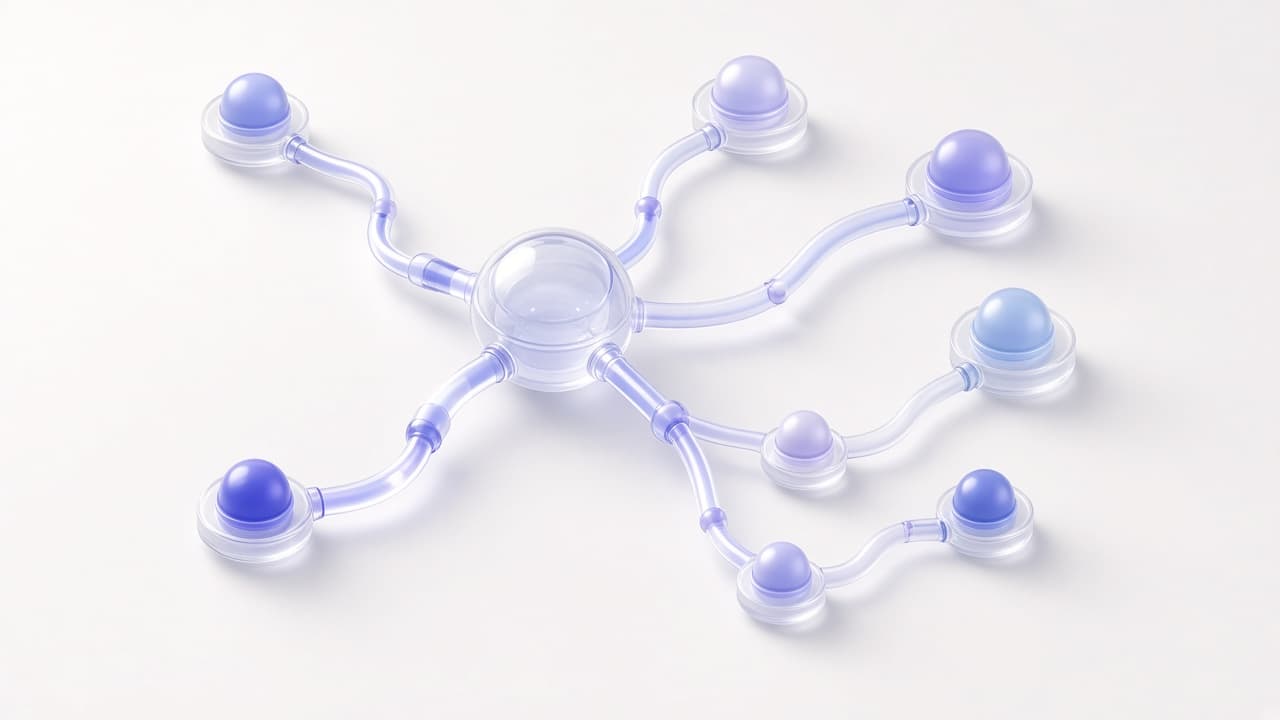 Product
Routing rules send work to the right queue on creation, reducing manual triage and first-response delays.
Read article Operations
Scattered Slack threads and inbox tickets do not scale. A dedicated helpdesk gives employees clarity and gives IT measurable workloads.
Read articleBring every request, team and workflow together with Nebula Desk.
Simple setup · Connected workflows · Complete visibility